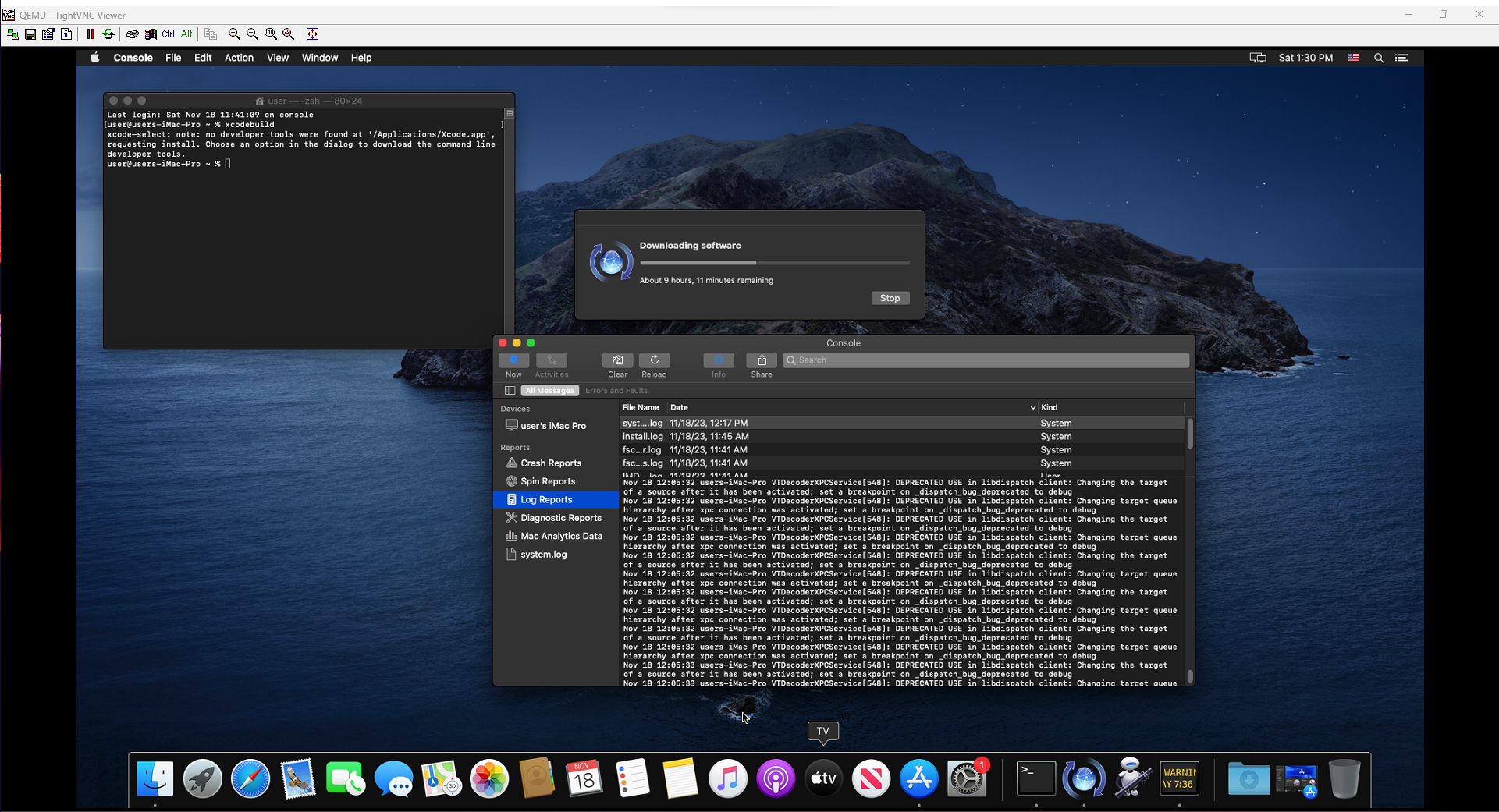
Included here are example docker commands for starting a MacOS instance. This can be used for xcode compilation or software testing. Commands were tested working at 18/11/23.
All commands are sourced from Docker-OSX Github
Running Headless VM for arbitrary commands.
docker run -it \
    --device /dev/kvm \
    -p 50922:10022 \
    -e USERNAME=user \
    -e PASSWORD=alpine \
    -e TERMS_OF_USE=i_agree \
    sickcodes/docker-osx:auto
Running Headless VM with specific command
docker run -it \
    --device /dev/kvm \
    -p 50922:10022 \
    -e USERNAME=user \
    -e PASSWORD=alpine \
    -e "OSX_COMMANDS=/bin/bash -c \"put your commands here\"" \
    -e TERMS_OF_USE=i_agree \
    sickcodes/docker-osx:auto
Running VM with VNC open
docker run -i \
    --device /dev/kvm \
    -p 50922:10022 \
    -p 5999:5999 \
    -e USERNAME=user \
    -e PASSWORD=alpine \
    -v /tmp/.X11-unix:/tmp/.X11-unix \
    -e "DISPLAY=${DISPLAY:-:0.0}" \
    -e EXTRA="-display none -vnc 0.0.0.0:99,password=off" \
    sickcodes/docker-osx:auto
then connect to localhost:5999 using VNC note: some QEMU versions require a password, set password to “on” in the above command and run this command from the docker terminal
change vnc password myvncusername
Further options are also available for mapping storage, secure VNC and usb pass-through