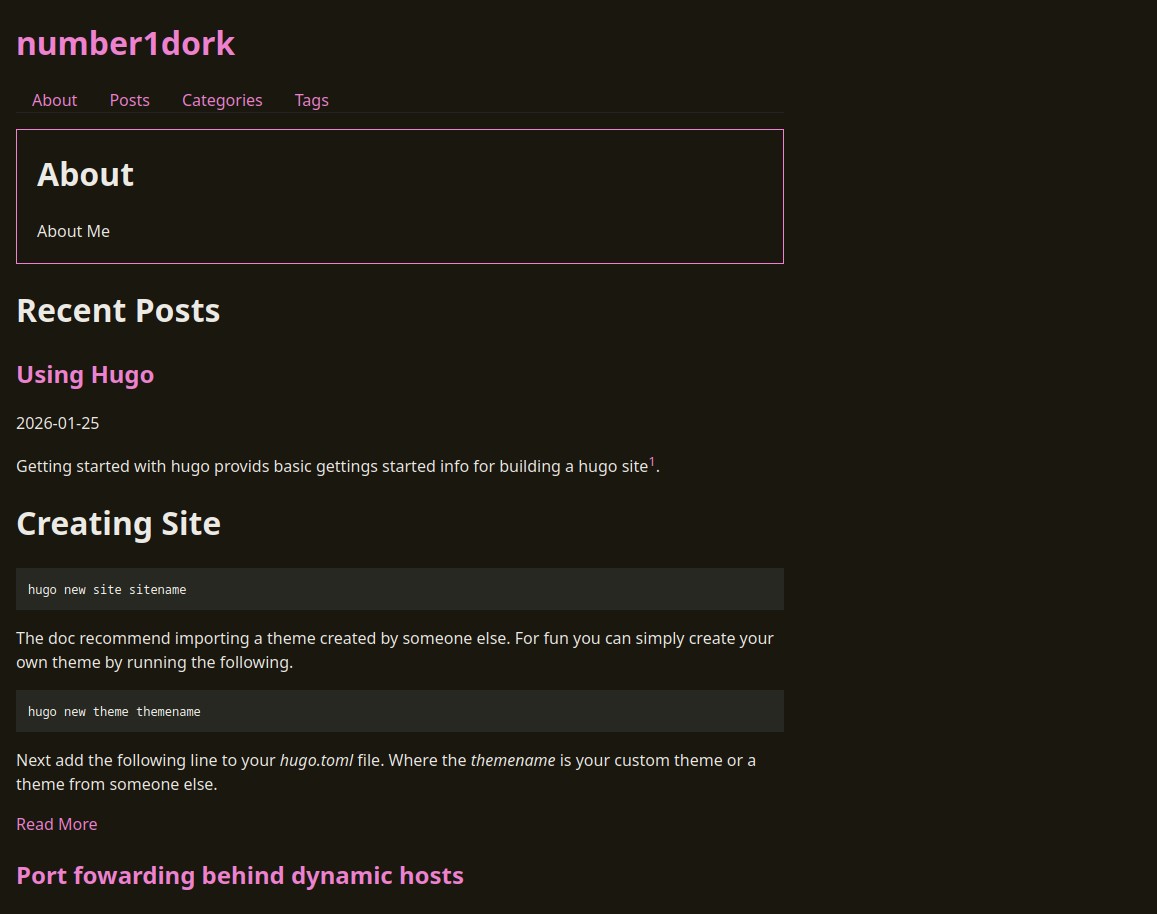
Getting started with Hugo provides basic gettings started info for building a Hugo site1.
Creating Site
hugo new site sitename
The docs recommend importing a theme created by someone else. For fun you can simply create your own theme by running the following.
hugo new theme themename
Next add the following line to your hugo.toml file. Where the themename is your custom theme or a theme from someone else.
theme = 'themename'
This will allow building a basic site. From here the there is a wealth of pre-created themes that can be used as a reference.
Building and Testing
The following will setup a temporary server to inspect the resulting pages. The -D flag include pages marked as drafts in the build.
hugo server
Publishing
To create a final build simply run hugo then upload the contents of the public folder to your preferred static web hosting platform.
For this example i’ll be using Neocities which has an excellent cli tool that is required to upload folders. 2
$ neocities

  |\---/|
  | ~_O |   Neocities
   \_~_/

  Subcommands:
    push        Recursively upload a local directory to your site
    upload      Upload individual files to your Neocities site
    delete      Delete files from your Neocities site
    list        List files from your Neocities site
    info        Information and stats for your site
    logout      Remove the site api key from the config
    version     Unceremoniously display version and self destruct
    pull        Get the most recent version of files from your site
    pizza       Order a free pizza
To upload your current directory simply run neocities push . then your site should be available. Happy Webbing.
-
https://gohugo.io/getting-started/quick-start/ Hugo Quick Start ↩︎
-
https://neocities.org/cli Neocities CLI ↩︎